The Curriculum
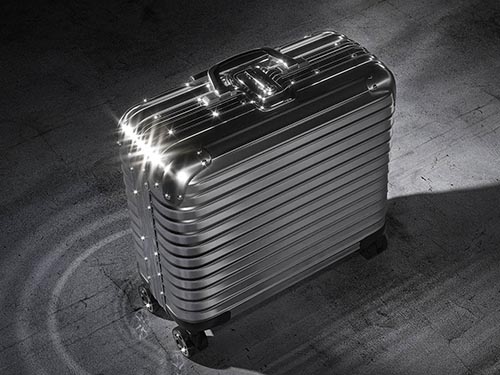
01 — Think
Introduction
The conceptual foundation
Why deterministic and stochastic tools solve different problems — and why that distinction changes everything.

02 — Synthesise
AI Image Generation
The stochastic world
How diffusion models work, what encoders do, and how to prompt with precision rather than luck.
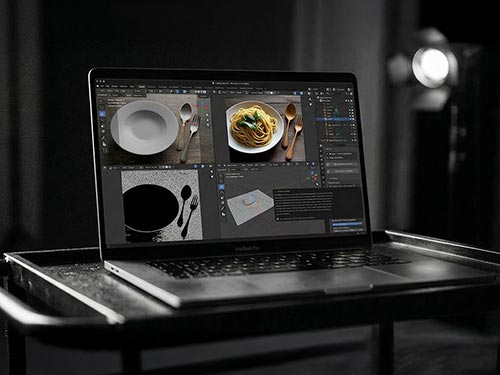
03 — Connect
RAY-L
Bringing both worlds together
RAY-L bridges Blender and ComfyUI via ControlNet Canny — full compositional control, full AI creative range.
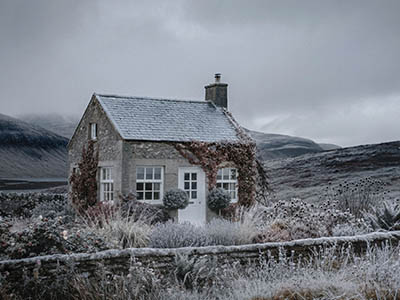
04 — Show
Case Studies
The method applied to real projects
Real projects, documented from first Blender sketch to finished image — with every decision visible.
Case Study
The RAY-L Workflow in Practice
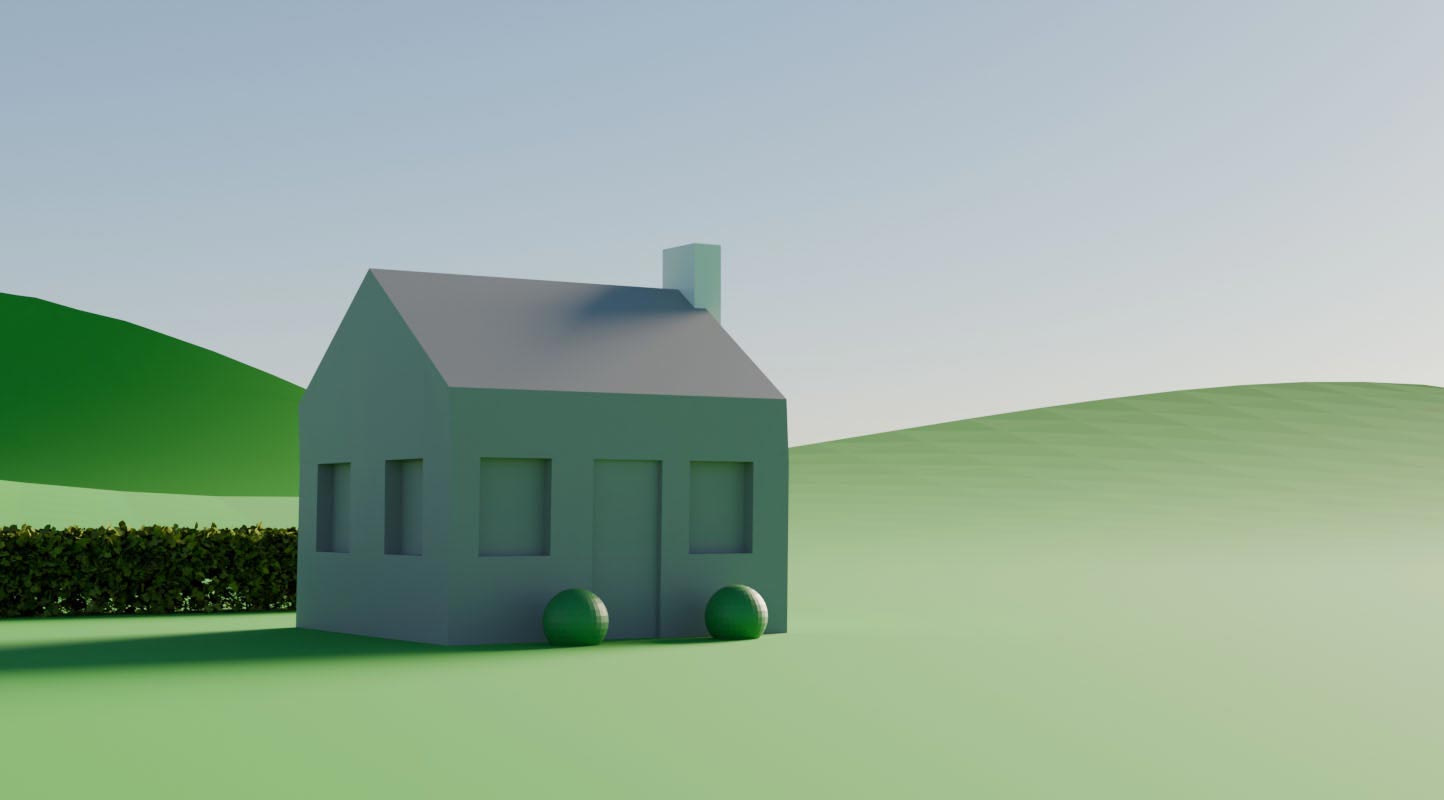
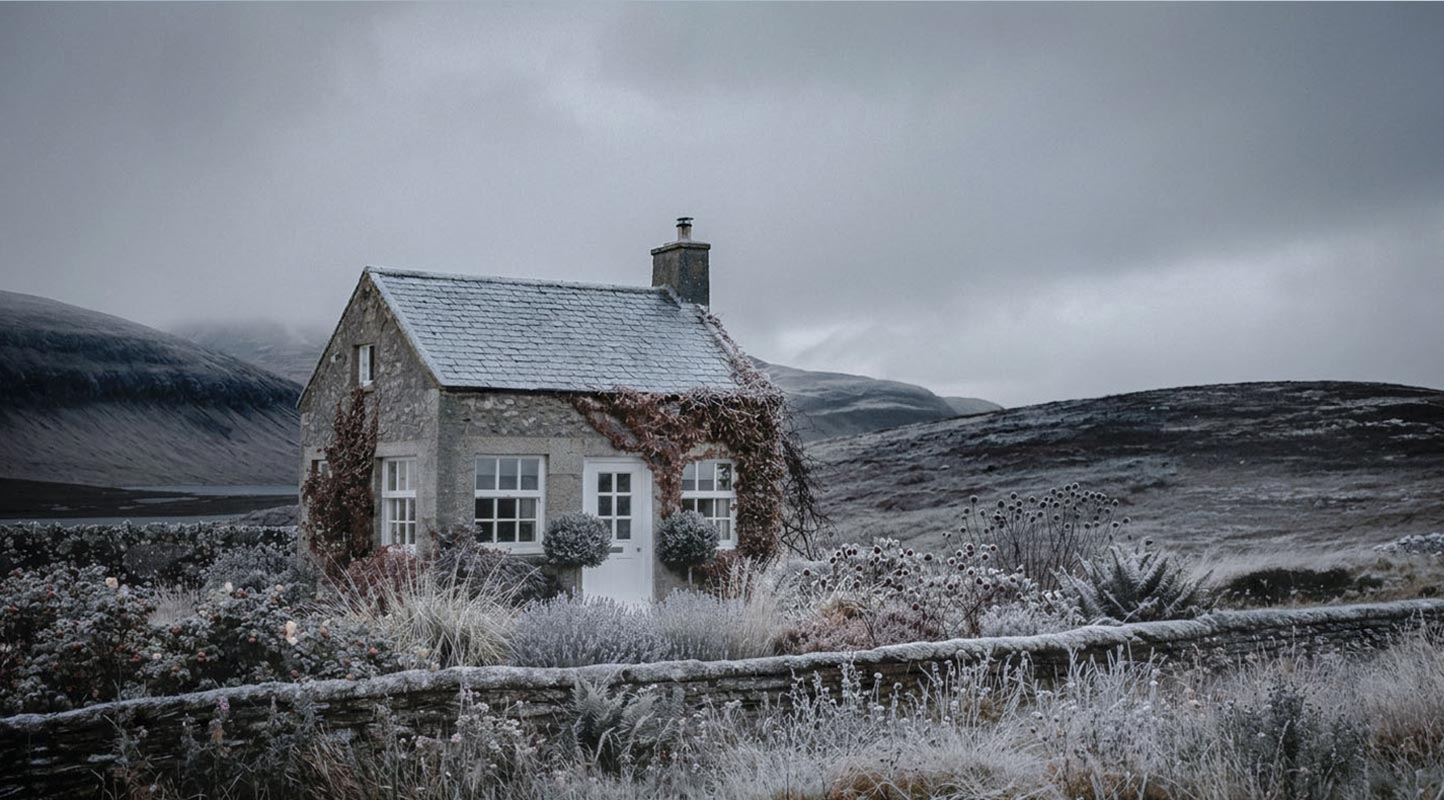
Case Study F1
Highland Cottage
A case study that deliberately works with minimal Blender geometry — and shows just how much the RAY-L workflow can do with it. How precisely composition and image structure can be controlled while giving the AI maximum creative latitude.
Read Case Study →Position
AI image generation has a cost — in energy, in resources, in dependencies. Anyone using this technology professionally makes decisions every day: which models, which infrastructure, how many render passes. This site doesn't try to talk those questions away. It tries to show a workflow that takes them seriously.
→ Full statementWhat's new
October 2026Composition by coordinates
Flux.3 Klein runs on 16 GB and reads bounding boxes inside a JSON prompt — image elements land where you put them. Setup, benchmarks on MacBook Air and Pro, three silent errors and the complete prompt to copy.
Flux, re-measured
A complete content overhaul of the Flux pages: memory and formats for Flux.1 dev, Krea dev as the photographic main model with a timing matrix for MacBook Air and Pro, Flux.2 Klein in comparison — plus the fundamentals reorganized.
Where did the AI look go?
Flux.1 Krea dev drops into the exact slot where Flux.1 dev sat — one file changed, the pipeline untouched — a more photographic aesthetic at zero setup cost.
Whose face is that?
Personality rights for synthetic AI models — the third right alongside authorship and labeling, and why the doppelgänger question is smaller than it sounds.
Disclose — but what?
What the AI Act actually requires of image producers — and why the decisive question isn't whether AI was involved.
Who pressed the shutter?
Copyright and usage rights in AI image production — three questions that constantly get confused, and why the boundary is never about the process.
Flux.2 Klein
The Swiss Army knife of diffusion models — is Flux.2 really that good? And which variant is the right choice?
Case Study No. 2
Food photography and a Canny that isn't really a Canny. Why object textures can become a challenge for ControlNet images.
Prompts for Flux
Two encoders, two fields, two different languages. Once you understand the difference between CLIP and T5 — keyword lists on one side, full sentences on the other — prompting Flux stops being guesswork.
FAQ
Frequently asked questions
What is 3DWRKSHP, and who is it for?
+
3DWRKSHP is an open curriculum for image production without a camera. It treats 3D in Blender and AI image generation in ComfyUI as one shared workflow, not as competitors.
It's for photographers, designers, agencies and vocational education, from apprentices to professional production. It's written by Matthias Demand, a photographer with 30 years of professional practice — from catalogue photography through CGI to AI — and 17 years of teaching at trade chambers and vocational schools.
→ About
Does the content cost anything?
+
No. All articles are free to read without signing up, and that will stay the case. The tools are free too: Blender and ComfyUI are open source, and the models used have open weights. The RAY-L add-on is available on Gumroad at a pay-what-you-want price starting at $0.
→ RAY-L
How does AI image generation work?
+
Most image generators are diffusion models. During training they learned statistical patterns from billions of image-text pairs; they don't store images.
Every image starts as pure noise that is denoised over 20 to 50 steps. A text encoder translates the prompt into numbers, and through a mechanism called attention the prompt steers every single step. At the end, the VAE translates the result into pixels. The image is computed anew, not assembled from existing images.
How do I generate AI images locally on my own computer?
+
You need three things:
- ComfyUI as a free interface, easiest to install via Stability Matrix
- the model files, for example SDXL or Flux.1
- a computer with enough memory: Nvidia with 8 GB VRAM or more, or Apple Silicon with 16 GB or more — 32 GB or more recommended for Flux
Local means your images and data never leave your machine, there's no subscription, and you have full control over model and parameters. That's exactly what makes results reproducible.
Why does the same prompt give a different image every time — and how do I make results reproducible?
+
Because every image starts from different noise. That noise is computed from a number, the seed. With the same seed, the same prompt and the same settings, the same machine produces the same image. In ComfyUI, set the seed to “fixed” for this.
If resolution or step count change, the same seed still gives a different image. The only reliable way to hold a fixed composition is ControlNet.
→ How AI image generation works · Flux.1 Krea dev: iteration and finalization
Which model is right for what — SDXL, Flux or Flux.2?
+
- SDXL is the accessible entry point: low memory needs, fast, with a mature ControlNet ecosystem.
- Flux.1 dev understands prompts much more precisely and needs more memory.
- Flux.1 Krea dev is the same setup with a markedly photographic look, and the recommendation for RAY-L.
- Flux.2 Klein is very fast (4B: about 65 s per image versus 143 s for SDXL on a MacBook Air with 16 GB), but has no ControlNet Canny.
- Flux.2 dev delivers the highest quality, but takes about 40 minutes per image on a MacBook Pro with 64 GB.
Can I use AI-generated images commercially?
+
Mostly yes, but two questions need to be kept apart: who owns the images, and may I run the model commercially?
- Flux.1 dev, Krea dev and Flux.2 Klein 9B (FLUX Non-Commercial License): the images you generate belong to you and may be used and sold. The only exception is training a competing model. Running the model itself commercially requires a license from Black Forest Labs.
- Flux.2 Klein 4B (Apache 2.0): free to use, including commercially.
Separate from this are three further questions: copyright in the image, the labeling obligation under the AI Act, and personality rights. Each has its own article. This is guidance, not legal advice.
→ Licensing · Copyright · Labeling · Personality rights
Can I use Blender to control AI images?
+
Yes — that's the core of this site. Blender defines what should stay fixed: geometry, camera, perspective, composition. The AI generates what may vary: material, light, atmosphere.
The connection runs through ControlNet Canny: the Blender render becomes an edge image the model follows. The RAY-L add-on turns this into a one-click workflow from Blender to ComfyUI and back, with SDXL, Flux.1 dev and Krea dev. Even simple block geometry is enough, as the Highland Cottage case study shows.
Does it run on a Mac — even with 16 GB?
+
Yes, with limits.
- SDXL runs smoothly on a MacBook Air with 16 GB.
- Flux.1 Krea dev only runs there as a GGUF quantization. The recommendation is Q4, at about 25 minutes per image at 1024². It works, but it's slow.
- From 32 GB the full fp16 version fits. On a MacBook Pro with 64 GB, Krea takes about 5½ minutes.
- fp8 files don't run on Apple Silicon at all.
- Flux.2 Klein 4B takes just 65 seconds on 16 GB, but has no ControlNet.
More memory lets larger models run. It doesn't make them faster — speed is set by the GPU cores.
→ Flux.1 dev: memory and formats · Flux.1 Krea dev: timing matrix