Concept
The creative division of labor
Anyone working with RAY-L for the first time usually asks a technical question: how do I connect Blender to ComfyUI? How do I set up ControlNet? Which model should I use?
Those are legitimate questions. But they're not the most important ones.
The most important question is: what should the AI decide in this image — and what shouldn't it?
That question isn't technical. It's a design question. And it determines whether the result becomes a professional image or an interesting accident.
Three parties, three responsibilities
In a RAY-L workflow, three parties make decisions. Each has its own strength — and its own limit.
The designer makes the conceptual decisions: what should the image show? What mood should it have? What story does it tell? That's the layer no tool can or should take over.
Blender implements the spatial decisions: where does the camera stand? What focal length? How large is the product relative to its surroundings? Exactly where does the furniture sit in the room? These decisions are deterministic — exact, reproducible, and independent of whichever AI model is used later.
The AI handles the visual elaboration: how does the light feel? What atmosphere does the room have? How does the scene come alive? These decisions benefit from interpretation — from the visual intelligence of a model that has learned from millions of images how light, surfaces, and atmosphere work together.
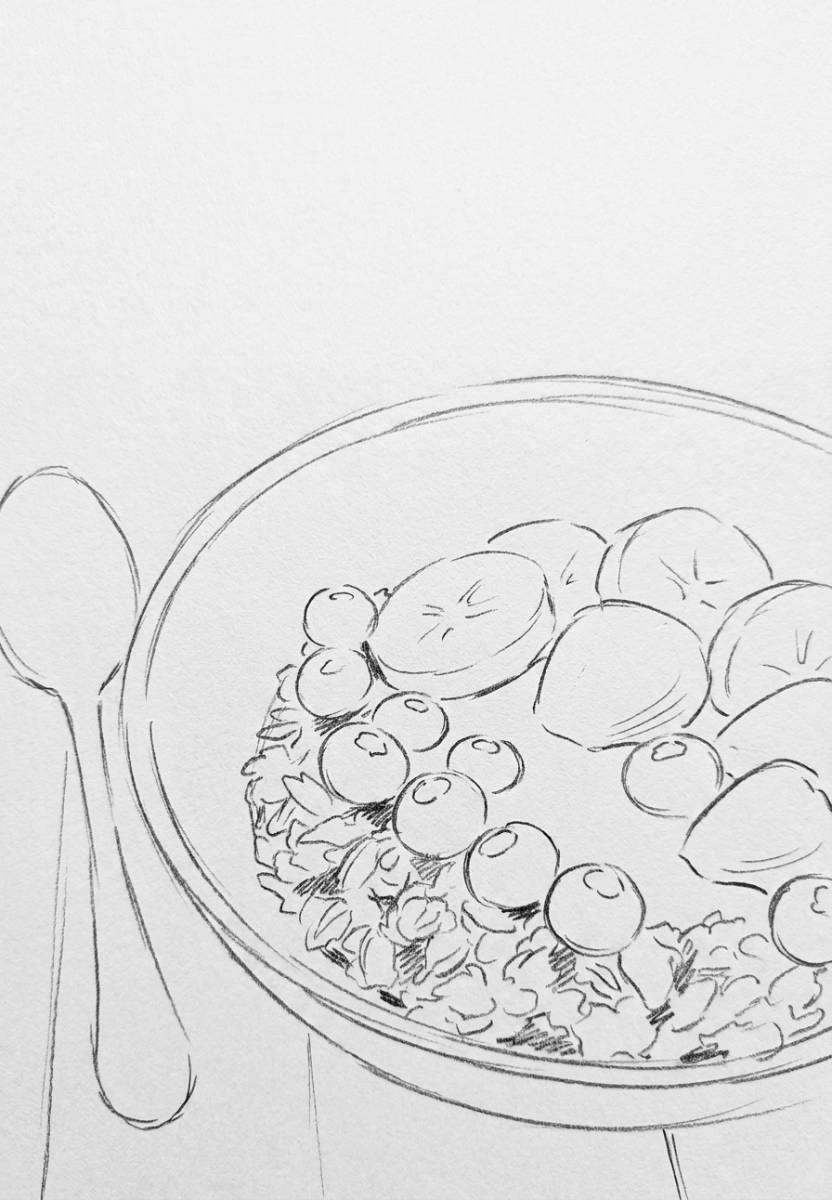


Three layers: designer / Blender / AI with their respective decision domains
But these three parties aren't the whole story. There's a fourth layer — and it's decisive for professional results.
What's fixed — Blender decides
Some image elements must not change. Not between two renders of the same project. Not between variants for the same client. Not when the model changes.
These are always elements that sit outside creative interpretation:
Composition and perspective — camera position, focal length, framing. A sofa placed on the left side of the room stays on the left. A perspective slightly from above stays slightly from above. These are decisions the designer makes — and Blender locks them in.
Room proportions and furniture placement — exactly where elements stand, how large they are relative to one another, what spatial relationships exist. This information lives in the geometry — ControlNet Canny extracts it as an edge structure and hands it to the AI as a binding reference.
Brand-identity-critical elements — logos, typography, colors that belong to a brand. The AI must not interpret these. Not because it couldn't — but because the result would be wrong.
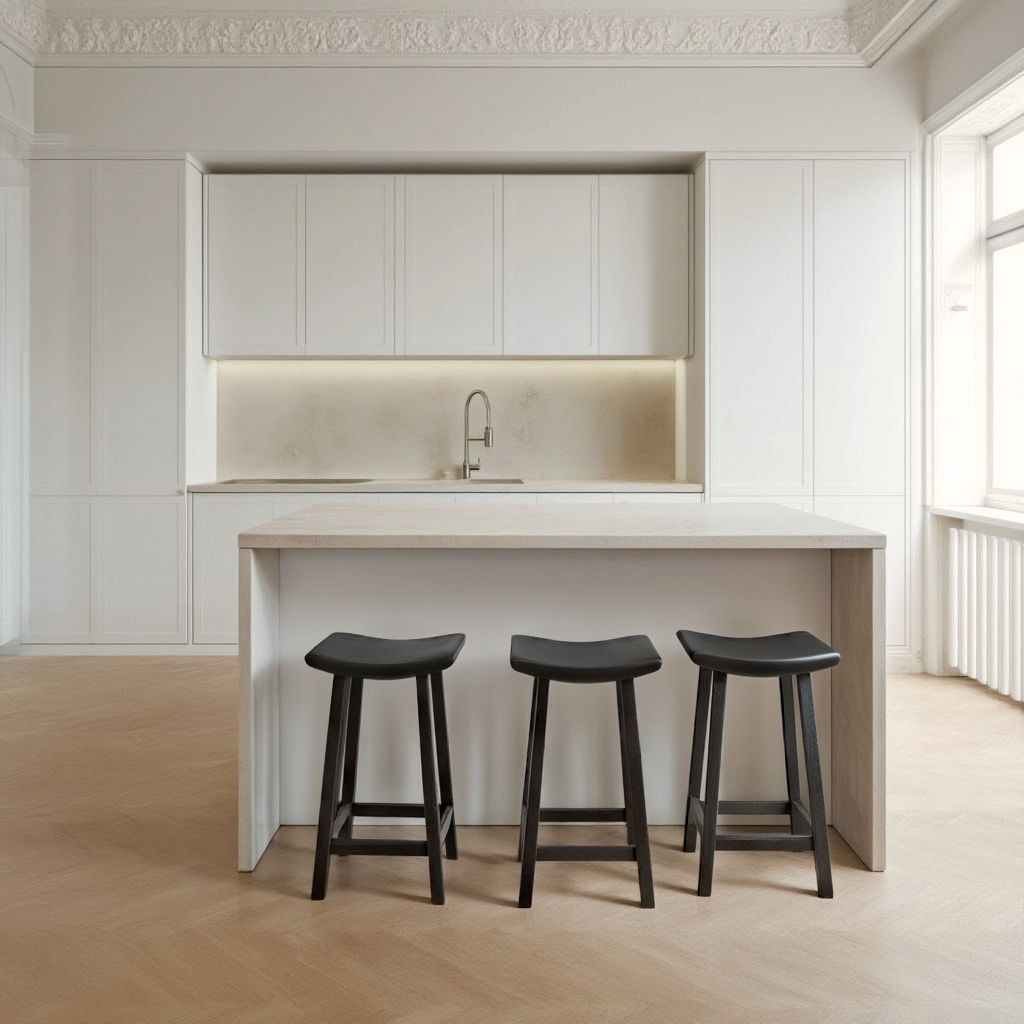
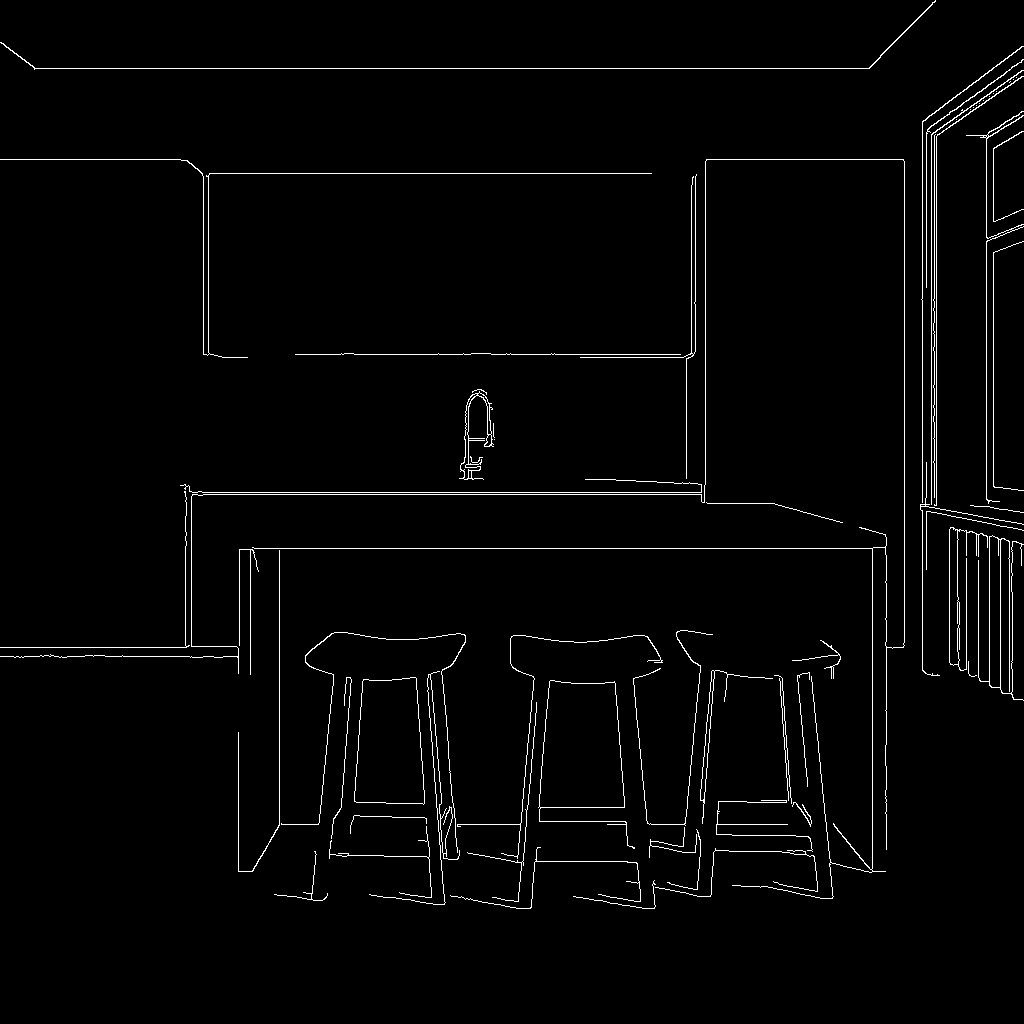
Blender interior scene — room with furniture, camera set · shows the defined composition · Canny edge structure as overlay
What's steered by reference — the third path
Between "fully deterministic" and "fully left to the AI" there's a third category — and it's indispensable in professional image production.
Some image elements can't be derived from geometry, but still can't be left to chance. A herringbone parquet floor with a specific wood tone and laying pattern. A leather fabric in a defined color and grain. A concrete finish the architect specified. A fabric whose texture belongs to a product line.
These elements can't be conveyed through Blender geometry — Blender only knows where the floor is, not what it looks like. And leaving it to the prompt would mean: "light herringbone parquet, warm wood tone" — and hoping the AI shares the same mental image as the designer.
The solution is the reference image. Via IP-Adapter or a reference image node in ComfyUI, a concrete image of the desired material is passed in as an additional input. The AI doesn't take the composition from this image — it takes the visual quality of the surface. The pattern, the tone, the grain.
The result: the room has the geometry from Blender, the parquet has the look from the reference image, and the lighting mood is freely interpreted by the AI.
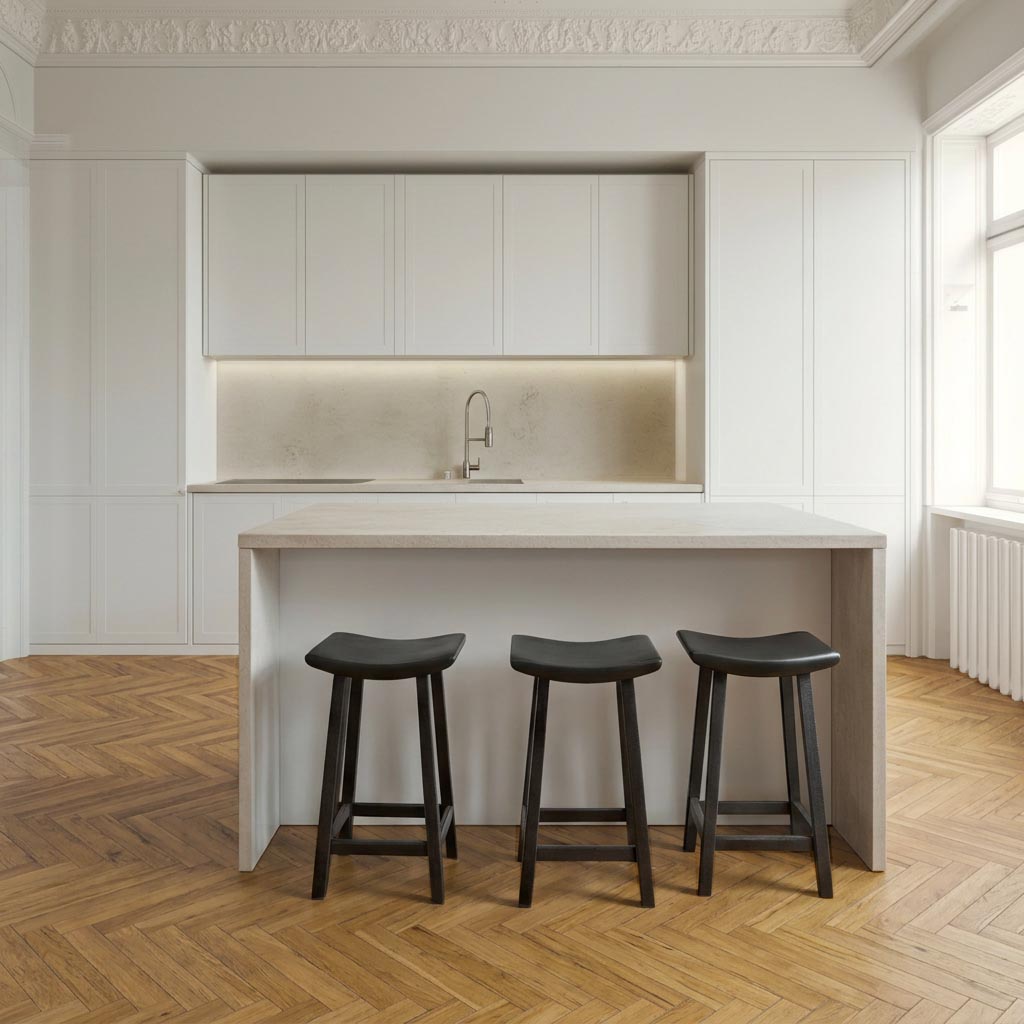

Reference image of herringbone parquet right · RAY-L result left — shows how the pattern from the reference image appears in the generated image
What's allowed to be interpreted — the AI decides
On the other side are image elements that benefit from interpretation — where the AI's stochastic behavior isn't a problem but a gain.
Lighting mood and atmosphere — the overall effect of the light, not its physical calculation. Warm evening light falling through a window and casting long shadows. Cool Nordic daylight that makes the room appear clear and calm. Both moods emerge from the same Blender skeleton — only the prompt and the AI's interpretation change.
Environmental detail and liveliness — everything that brings the scene to life without standing in the foreground. How the light scatters across the wall. What reflections appear on the parquet. Whether plants are hinted at in the background.
Visual nuance — the random imperfections that make an image convincing. Dust caught in the light. A slight blur in the background. Details no texture set can fully reproduce but that the AI brings from its training.
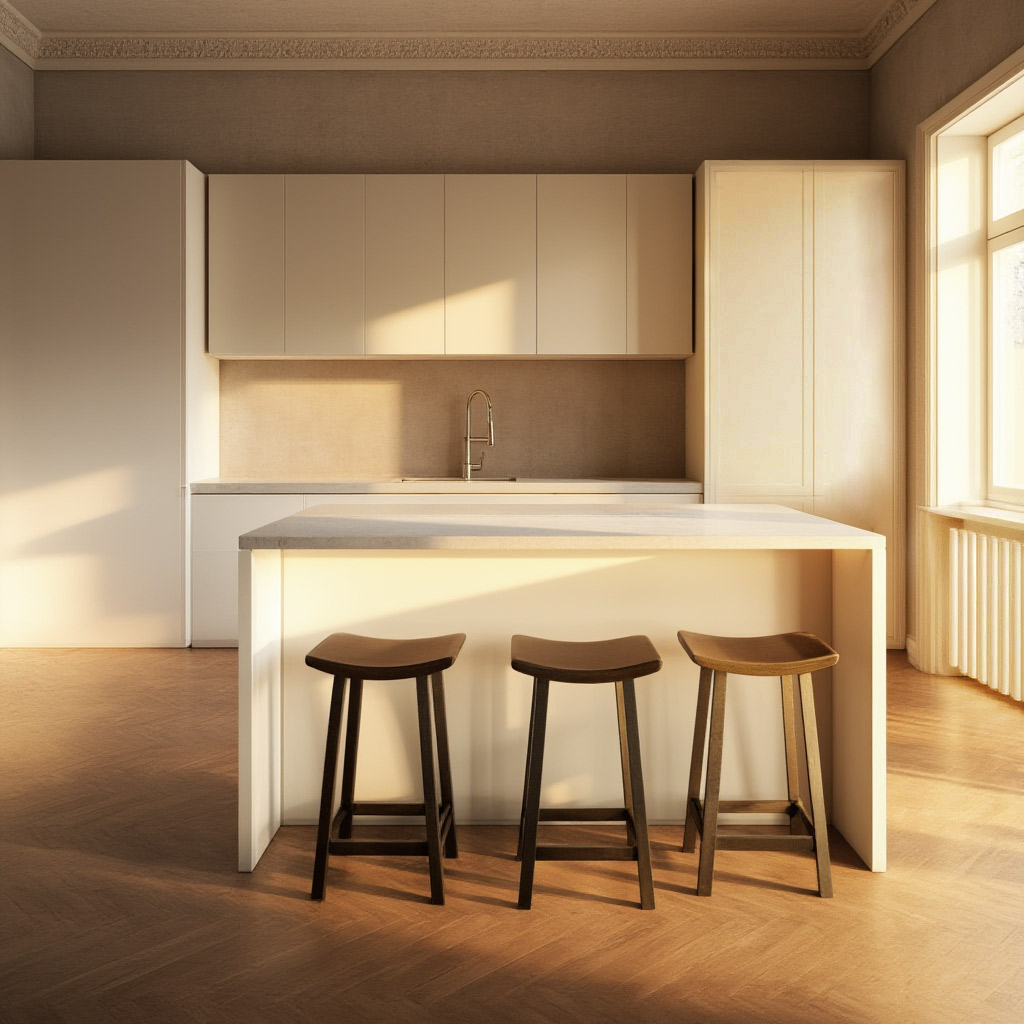
Two versions of the same interior render — same Blender composition · version 1: cool Nordic daylight · version 2: warm evening light · shows the range possible within the same controlled frame
Drawing the line yourself
What matters isn't the list of what's controlled and what isn't. What matters is that this line is a deliberate decision — not a default setting.
ControlNet strength is the most important tool here. High strength means: the AI follows the geometry very closely, little room for interpretation. Low strength means: the geometry is only rough guidance, and the AI interprets more freely.
The same applies to reference images: how strongly the IP-Adapter is weighted determines how close the result stays to the reference material. Weighted to the maximum, the AI reproduces the material almost exactly. Weighted low, it takes it as inspiration.
Together, both give you a precise control system: geometry from Blender, material identity from reference images, atmosphere and lighting mood left free for the AI.
The creative achievement
There's a persistent misunderstanding about AI image generation: that the creative achievement lies in giving the AI as much freedom as possible.
The opposite is true.
The creative achievement lies in deciding where freedom makes sense — and where it doesn't. An image where everything is interpreted by the AI isn't a professional image. It's a lucky hit.
An image where the designer knows exactly which decisions they're making, which they hand to Blender, which they steer through reference images — and which they leave to the AI: that's controlled image production. With the possibilities of modern AI. Without its downsides.
That's what RAY-L enables. And that's what sets this workflow apart from every other.